You have a base, an Overseer, and a countdown.
War 2050 is a base-builder played against a clock. Your survivor's life drains every hour whether you are logged in or not, and the only way to buy time back is to be worth keeping. This handbook is the part the Overseer will not tell you: what everything costs, how long it takes, and what is actually worth doing first.
The thirty-second version
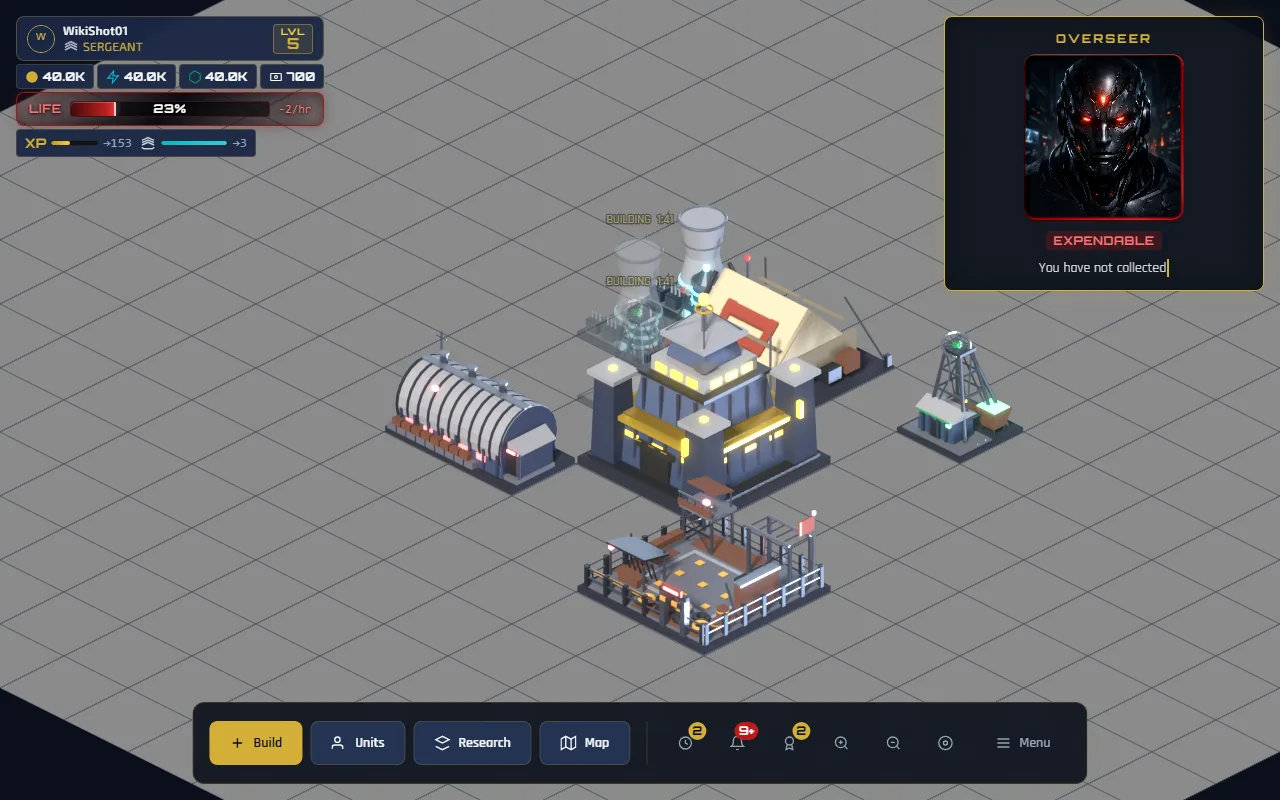
- Buildings make resources. Gold Mines, Power Plants and Material Depots produce every hour, online or not. Everything else you build is paid for out of that.
- Actions make experience. Finishing a construction, an upgrade, a batch of troops, a research project or an expedition all award XP — which is also rank points. Levels unlock buildings and units; ranks are the ladder.
- Expeditions make the difference. Once you are in a Control Sector, sending troops to a deposit brings home far more, far faster, than a mine does.
- Housing is the real limit. Not gold. You will hit your Training Yard cap long before you run out of money, and the size of your army is what caps the size of a haul.
- The clock never stops. Life drains at 2% per hour once you are out of the tutorial — 48 points a day. Objectives, expeditions and trophies pay some of that back, and at present they do not pay all of it. The survival branch of the tech tree is the only thing that moves the big number. See the clock.
Do not spend your whole starting purse on buildings. The tutorial asks you to train a unit at the end, and troops cost gold you will not have if you built everything you could. Keep 50 gold spare.
Where to go next
The five opening objectives, what they pay, and what to do in your first hour.
Every structure: cost, build time, level gate, how many you may own, what upgrading buys.
What each unit costs, how fast it moves, how much it can carry, and where it is made.
Tanks and drones are built out of troops, housed in their own bays, and can be taken back apart.
The two housing pools, the upgrade trap, the four rented structures and what a term costs, and War Bonds.
Gold, energy and materials — how production accrues and what it is spent on.
Sending parties to deposits: travel time, hauling, depletion, recall, and picking a target.
Fourteen technologies across four branches, and the order that gets you the most.
The XP curve, what each action awards, all sixteen rungs of the ladder, and the trophies.
How life drains, how to earn it back, and why it is the real resource.
Launching a raid, following it in Operations, and what you see when one is coming for you.
Who is who, what a marching column tells you, Watchtower warnings, and zoom.
The three hexagons and the role each one plays, and the two kinds of shield.
The world chronicle, your records and the world firsts, alliances, and blocking.
Reading the screen
Top left
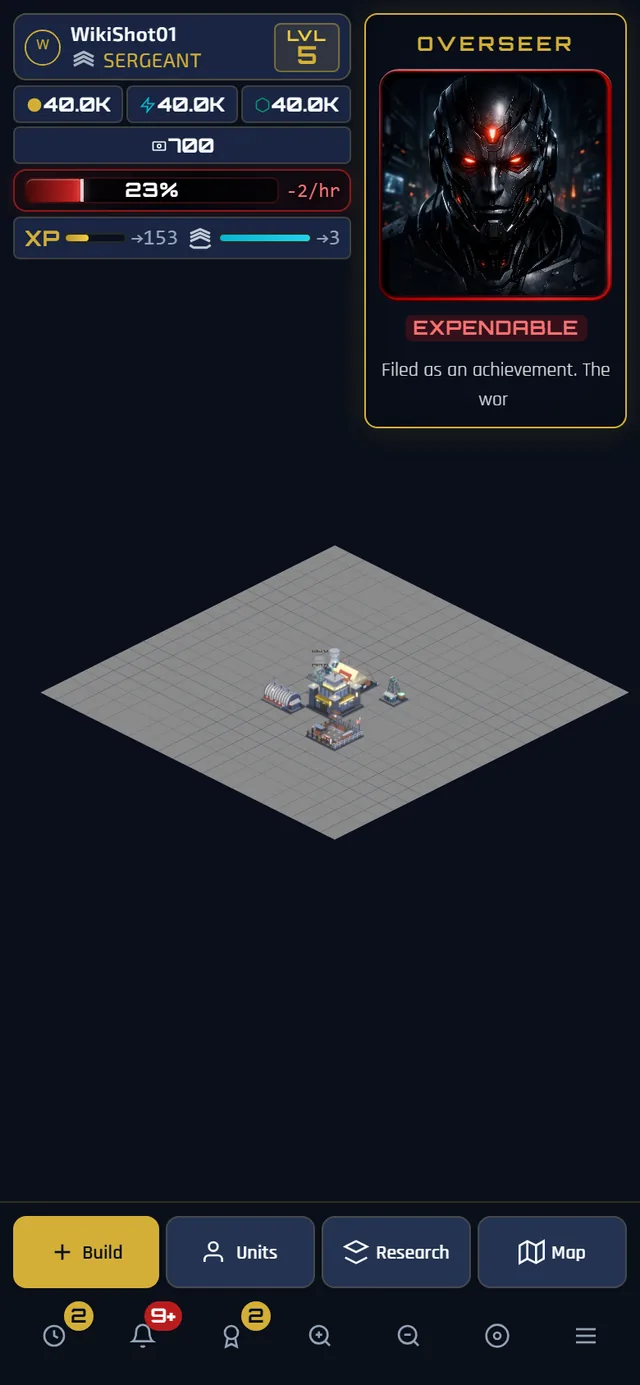
Your callsign, rank and level, then the three resource counters — gold, energy, materials — then two meters: experience toward the next level in gold, and rank points toward the next promotion in cyan. On both, the bar is how far you have come and the number is how far there is to go.
A fourth counter, War Bonds, appears alongside them once you have any, and tapping it opens the store. It is the one currency you cannot earn, and it buys rented structures, a forced march for a party already in the field, a shield for your base, and a quicker swap of your hexagons' roles. It cannot buy life or progression.
While the sector map is open, any party in the field appears below all of that in the expedition strip — see expeditions.
Top right
The Overseer, and the life bar with its current drain rate. Tapping the life bar opens the survival panel, which is where the daily objectives and the tribute offer live.
Bottom
Build opens construction. Units is training and vehicle assembly. Research is the tech tree. Map switches between your base and the sector — and switches back, labelled Base. The clock icon shows orders in progress, the bell shows transmissions, and the trophy shows achievements.
The Overseer
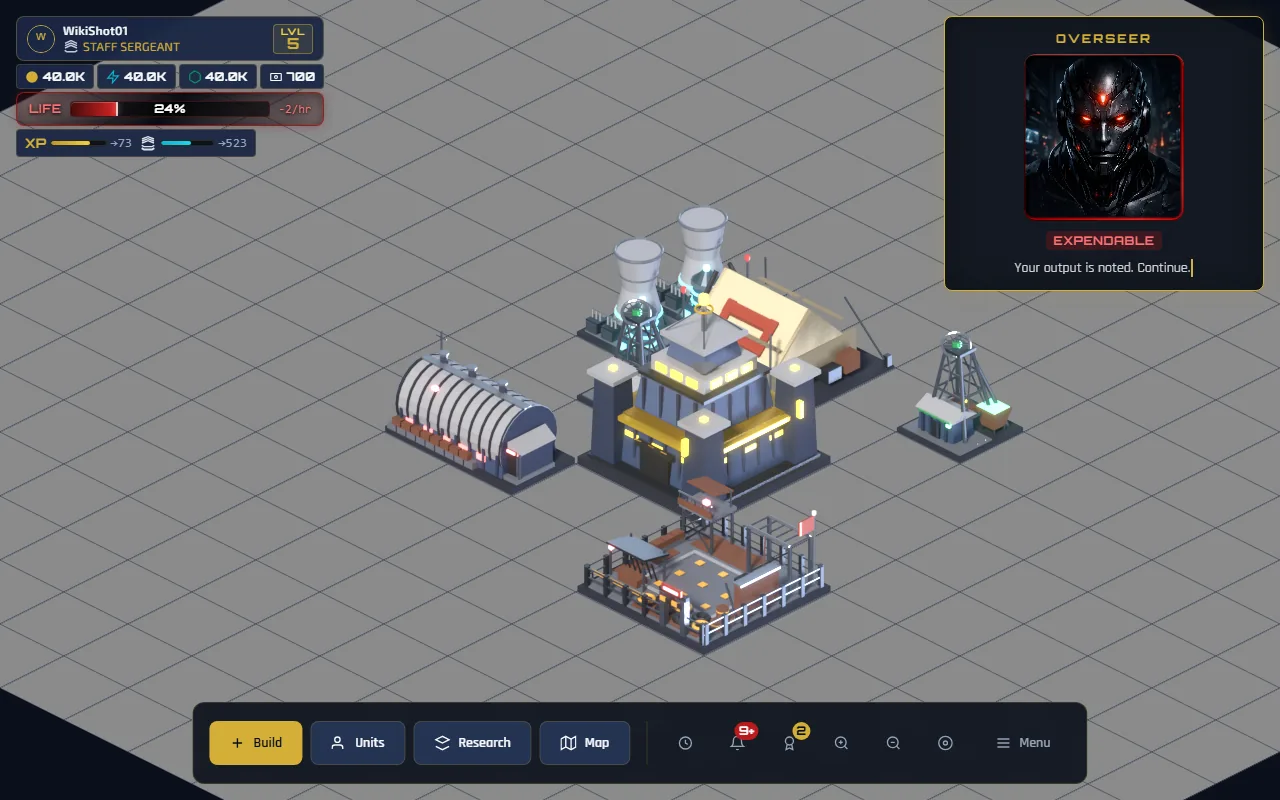
The machine in the top-right corner is watching. He has a portrait that moves, a status badge, and a line of text that types itself out when he has something to say.
- The badge is his opinion of you, not a readout of your health. It goes UNCONVINCED, STILL WATCHING, OBSERVING, UNIMPRESSED, EXPENDABLE as your life falls — and you are never praised, even at 100%. The thresholds are on the clock.
- He speaks to events, not to a timer. A tent lapsing, an expedition landing, a promotion, a trophy unlocking, your life crossing a band downwards — those are what set him off. An empty message box is normal and means nothing has happened.
- He goes quiet, and it shows. After a minute without speaking his portrait shrinks back into its frame.
- He is rate-limited. Twenty seconds minimum between lines, no more than four in five minutes, and no more than twenty in an hour — so a busy moment gives you the most important thing he has to say rather than all of it. Several things landing at once are collected for a couple of seconds and answered with one line, which is why a promotion and a returned expedition together get a single remark.
- His face and motion are an AI-generated video, made with Google's Veo video model. The video file is labelled as such: it carries the IPTC trained algorithmic media label, the standard mark for media made by generative AI.
Most panels carry a small i button beside their close button, and every row in the construction menu has one of its own. Pressing it lifts the relevant part of this handbook into a panel over the game — so you can check what a Motor Pool does without leaving the decision you were making.
Both maps are lit by the actual position of the sun, worked out from the clock, so your base is in daylight or in darkness depending on the real time of day — and the base view and the sector map always agree, because it is the same place at the same moment.
It has no effect on play. Nothing produces more by day, nothing is hidden at night, and no timer runs differently. If you are deciding when to play, play when you like; the light is the world looking like a place and nothing else.
Handbook figures are captured from a live game, so the exact numbers in a screenshot are one player's — the tables on each page are the authority.